
Languages
Arabic Document
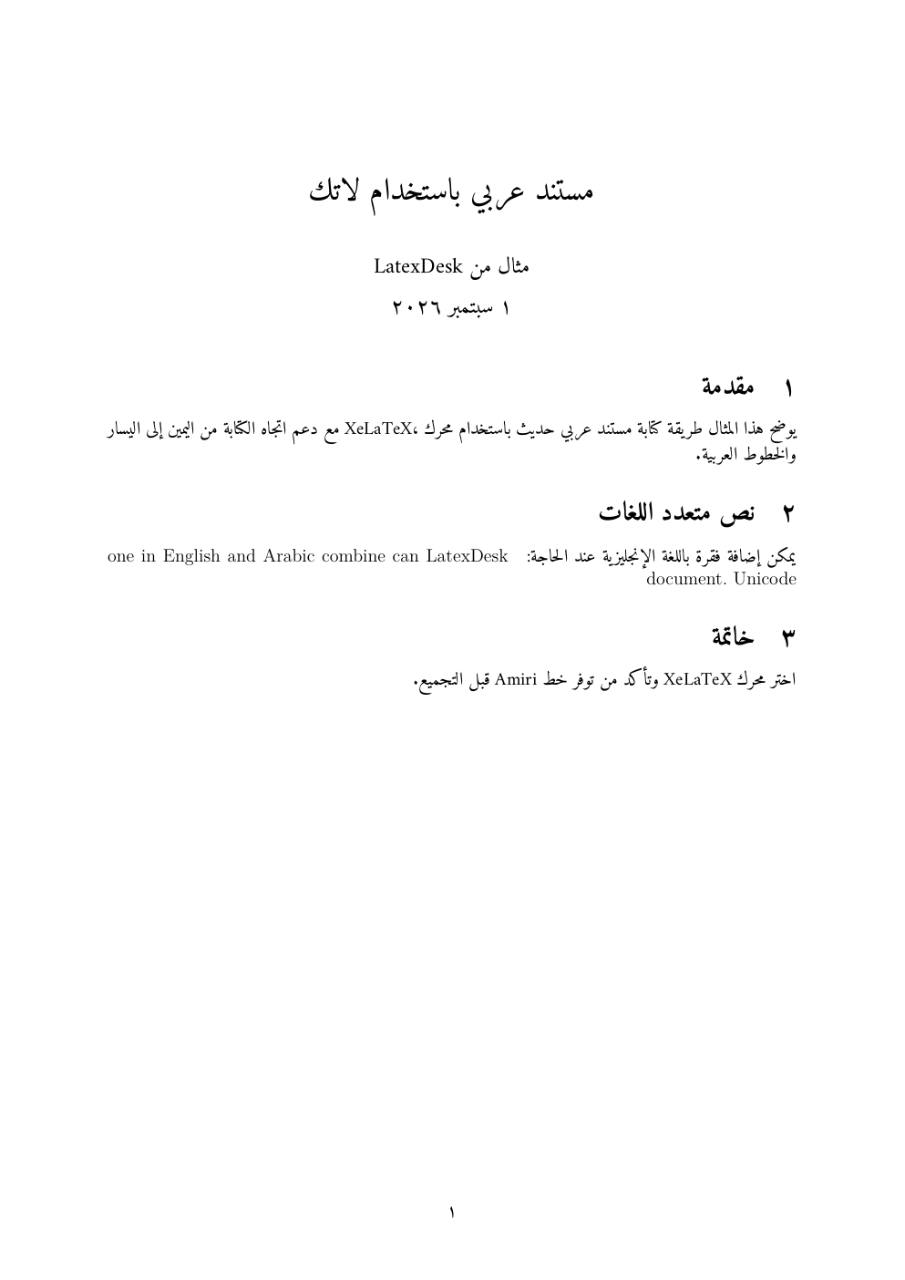
Modern Unicode Arabic with Polyglossia, Amiri, right-to-left paragraphs, and English passages.
- Engine
- XeLaTeX
- Level
- Beginner
Use this example
- Create a project and copy the source below into main.tex.
- Select XeLaTeX as the LaTeX engine.
- Compile, review the PDF, and adapt the content.
LaTeX source
main.tex\documentclass[12pt]{article}
\usepackage[a4paper,margin=2.5cm]{geometry}
\usepackage{fontspec}
\usepackage{polyglossia}
\setdefaultlanguage{arabic}
\setotherlanguage{english}
\newfontfamily\arabicfont[Script=Arabic]{Amiri}
\newfontfamily\englishfont{Latin Modern Roman}
\title{مستند عربي باستخدام لاتك}
\author{مثال من LatexDesk}
\date{\today}
\begin{document}
\maketitle
\section{مقدمة}
يوضح هذا المثال طريقة كتابة مستند عربي حديث باستخدام محرك XeLaTeX،
مع دعم اتجاه الكتابة من اليمين إلى اليسار والخطوط العربية.
\section{نص متعدد اللغات}
يمكن إضافة فقرة باللغة الإنجليزية عند الحاجة:
\begin{english}
LatexDesk can combine Arabic and English in one Unicode document.
\end{english}
\section{خاتمة}
اختر محرك XeLaTeX وتأكد من توفر خط Amiri قبل التجميع.
\end{document}